|
How To Make An Object Theme - cont. |
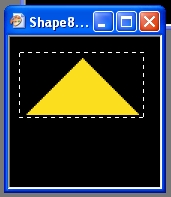
| It is important to crop the pictures so that NO EXCESSIVE BLACK REGIONS ARE SHOWING. The pictures will always be rectangular in shape, however your objects may or may not be rectangular. So once you have blackened the surroundings it is important to crop the picture down to the smallest size rectangle that the object will fit in. If you don't do this, once your objects are active in the screen saver, they will appear to bump off of invisible force fields around them rather than each other. |
|
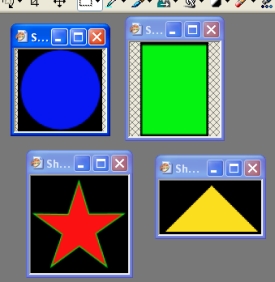 |
To the left we can see what all of the different objects should look like after Blackening & Cropping (2 necessary steps in quality object theme design) Blackening and Cropping is always a good idea. Using these two methods you can use practically any picture you like and make it appear as if it is floating independently around the screen. |
| We can now load all the Blackened and Cropped
pictures into the Object Theme Maker and once again specify a name for the
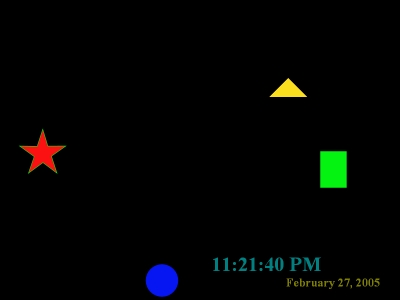
theme at the top and then click "Make The Object Theme". If you then set the new object theme as the current one and click "preview" you should see your quality looking object theme appear! |
 |